

Online or onsite, instructor-led live C# (C-sharp) training courses demonstrate through hands-on practice how to develop applications with C#.
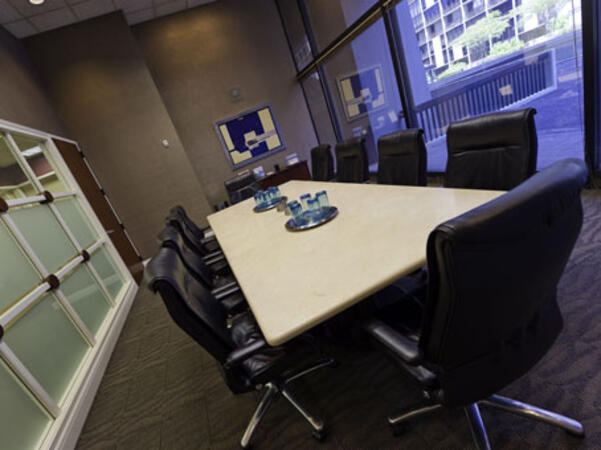
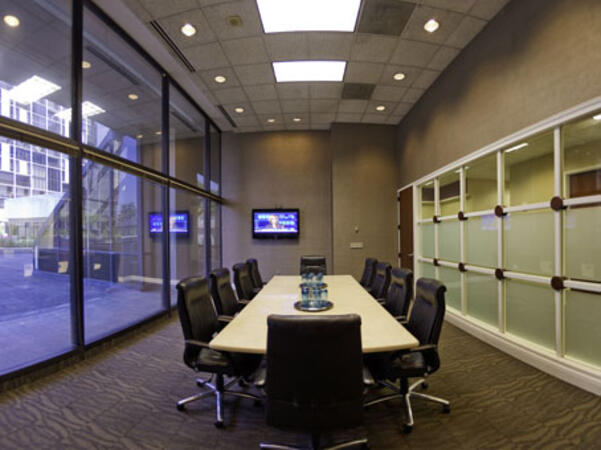
C# training is available as "online live training" or "onsite live training." Online live training, also known as "remote live training," is conducted via an interactive remote desktop. Onsite live training can be arranged locally at customer premises in Georgia or in Govtra corporate training centers in Georgia.
Govtra — Your Local Training Provider for government
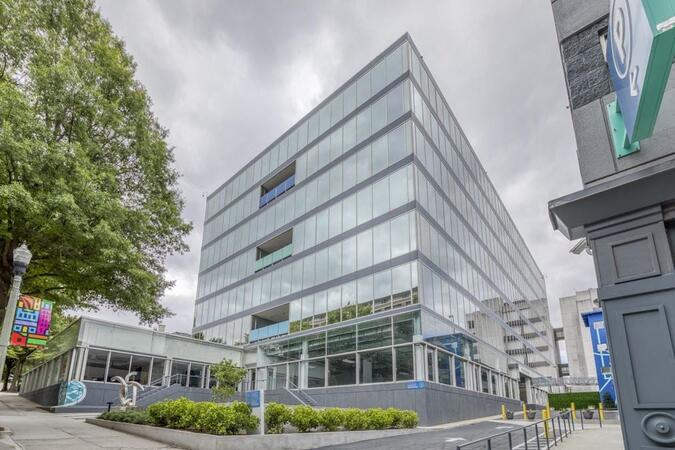
Atlanta, GA – Regus at Colony Squar
1201 Peachtree Street NE, Suite 200, Atlanta, United States, 30361
The venue is centrally located in Midtown Atlanta within the prominent Colony Square complex at 1201 Peachtree Street NE, easily accessed by car via I‑75/85 or GA‑400, with several parking garages nearby. From Hartsfield–Jackson Atlanta International Airport (ATL), around 15 miles south, a taxi or rideshare typically takes 20–30 minutes north along I‑75/85 N. Public transit users can take MARTA Rail to the Arts Center or Midtown stations (0.3–0.5 miles away) and walk easily, and numerous MARTA bus routes along Peachtree Street stop directly outside the entrance.

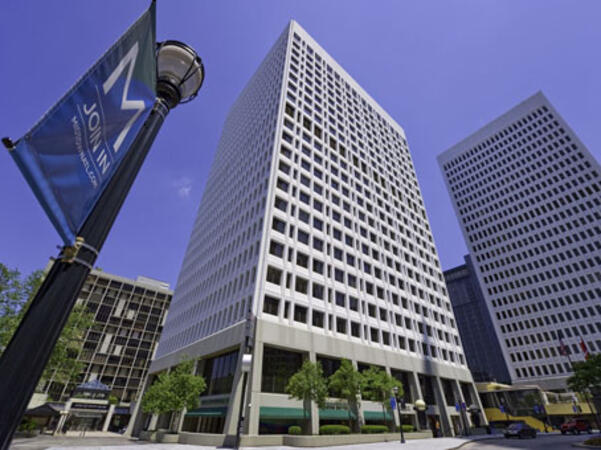
Atlanta, GA – The Proscenium
1170 Peachtree Street NE, Atlanta, United States, 30309
The venue is located in the heart of Midtown Atlanta in the Proscenium high–rise at 1170 Peachtree Street NE, easily accessible by car via I‑75/85 and GA‑400 with several parking garages nearby. Visitors arriving from Hartsfield–Jackson Atlanta International Airport (ATL), about 15 miles south, can expect a taxi or rideshare ride taking 20–30 minutes via I‑75/85 North. Public transit is seamless with MARTA Rail service; the Arts Center and Midtown stations are within walking distance (approximately 0.3–0.4 miles), and multiple MARTA bus routes also serve Peachtree Street.
Decatur, GA – Regus at One West Court Square
One West Court Square, Suite 750, Decatur, United States, 30030
The venue is located in the heart of downtown Decatur within One West Court Square, easily reached by car via I‑20 and I‑285, with several public parking decks directly adjacent. Travelers from Hartsfield–Jackson Atlanta International Airport (ATL), approximately 17 miles southwest, can expect a taxi or rideshare ride of around 25–30 minutes via I‑20 East. Public transit is particularly convenient: MARTA rail users can disembark at Decatur Station (about 0.15 miles away) and walk a few minutes to the building entrance. Local bus routes also serve Trinity Place and Swanton Way, putting the center within easy reach.
Atlanta, GA – Regus at One Hartsfield
100 Hartsfield Centre Parkway, Suite 500, Atlanta, United States, 30354
The venue is located in the One Hartsfield Center office building, adjacent to Hartsfield–Jackson Atlanta International Airport, easily reached by car via I‑75/I‑85 or GA‑138, with abundant on-site parking. Visitors arriving from ATL airport can walk or take a shuttle to the building, or opt for a quick 2–3‑minute taxi or rideshare ride. Public transit users can board MARTA from the Airport Station and ride one stop to College Park Station, then catch a connecting shuttle or enjoy a brief walk of about half a mile.
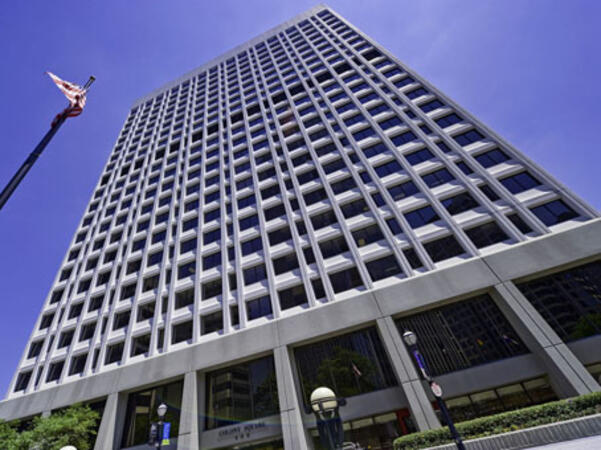
Atlanta, GA – Regus at Peachtree
260 Peachtree Street NW, Suite 2200, Atlanta, United States, 30303
The venue is situated in the iconic Coastal States Building at 260 Peachtree Street in downtown Atlanta, accessible by car via I‑75/85 or I‑20 with convenient parking garages nearby. From Hartsfield–Jackson Atlanta International Airport (ATL), about 12 miles south, a taxi or rideshare along I‑75/85 North takes approximately 15–20 minutes. For public transit, MARTA rail users can disembark at Five Points Station and walk 0.5 miles northeast, or exit at Peachtree Center Station and walk two blocks north—both routes offering easy access.
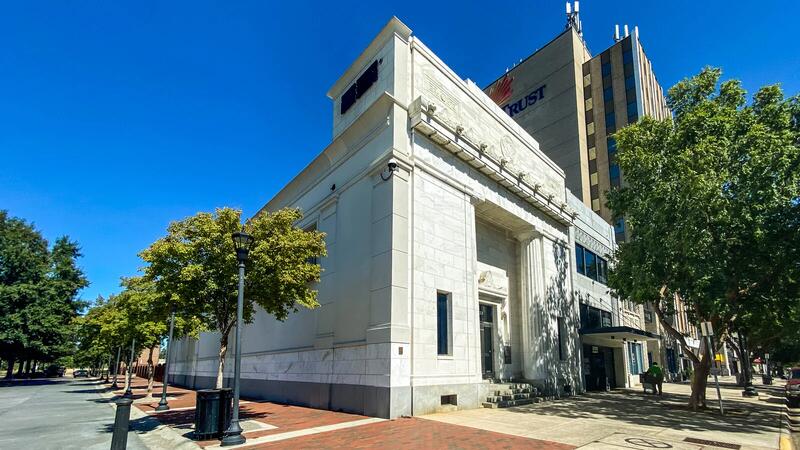
Augusta, GA – At Broad Street
823 Broad Street, Augusta, United States, 3090
The venue is located in the heart of downtown Augusta on Broad Street, easily accessible by car via I‑20 with several public parking garages nearby. From Augusta Regional Airport (AGS), about 9 miles west, taxis or rideshares typically take 15–20 minutes via I‑20. Public transit is available through Augusta Public Transit buses with routes along Broad Street, stopping within a few blocks of the venue, offering a convenient option for attendees without a car.
Savannah, GA – Regus at Bull Street
100 Bull St Downtown, Suite 200, Savannah, United States, 31401
The venue is located in the historic downtown area on Bull Street in the Altmayer Building, easily accessible by car via I‑16 and U.S. 17, with several public garages nearby. From Savannah/Hilton Head International Airport (SAV), about 12 miles west, taxis or rideshares typically take 15–20 minutes via U.S. 17 South. Public transit is available via Chatham Area Transit (CAT) buses, with frequent service along Bull and Broughton Streets; Johnson Square Station is just a couple minutes’ walk from the venue.
This instructor-led, live training in Georgia (online or onsite) is aimed at experienced automation test engineers who wish to learn advanced C# programming concepts for government automation testing.
By the end of this training, participants will be able to:
Comprehend advanced C# programming concepts and best practices.
Implement advanced object-oriented programming principles to develop efficient and flexible automation solutions for government projects.
Design and build modular and reusable automation frameworks using industry-standard best practices.
This instructor-led, live training in Georgia (online or onsite) is aimed at software developers who wish to develop desktop client applications for government using WPF and C#.
By the end of this training, participants will be able to:
- Learn and understand how to use the MSDN resources and tools.
- Support the development process in Microsoft Visual Studio.
- Develop business desktop applications using WPF technology and C# language for government.
This instructor-led, live training in [location] (online or onsite) is designed for government developers and testers who wish to perform test automation using C# and Selenium.
By the end of this training, participants will be able to:
- Install and configure Selenium WebDriver.
- Write tests using Selenium, C#, and NUnit within the Visual Studio Integrated Development Environment (IDE).
- Execute C# Selenium test automation.
This instructor-led, live training in [location] (online or onsite) is designed to introduce participants to automated testing using Selenium WebDriver and C# within Visual Studio. For government employees who do not have prior experience with C# programming or wish to refresh their skills, we recommend the course: C# for Automation Test Engineers.
This instructor-led, live training is designed for government employees and contractors interested in learning C# for the purpose of automation testing. This streamlined, intensive course includes numerous hands-on exercises aimed at quickly equipping participants with the essential programming skills needed to apply C# in software automation testing. The focus is on mastering the C# fundamentals that can be directly and immediately applied to test automation.
This course does not delve deeply into test automation frameworks such as Selenium. If you are already proficient in C# and wish to proceed directly into testing with Selenium, please refer to our course: Selenium WebDriver in C#: Introduction to Web Testing Automation for Government.
This instructor-led, live training in (online or onsite) equips participants with the essential skills needed to leverage the capabilities of C# 6.0 within the Visual Studio 2015/2017 environment for government.
By the end of this training, participants will be able to:
Navigate and utilize the Integrated Development Environment (IDE) in Visual Studio 2015/2017.
Implement basic C# functionalities such as Console.WriteLine, Console.ReadLine, and Hello C# World!.
Understand the process of compiling and debugging C# code.
Apply comments in C# for code documentation and readability.
Explore the fundamentals of .NET 6.0, including CLR, GC, DLL, EXE, and technologies within .NET.
Review the history of C# from version 1.0 to 6.0 and grasp C# fundamentals such as keywords, literals, operators, and statements.
Work with numeric and boolean types, classes, objects, fields, properties, indexers, operators, methods, and more in C# 6.0.
Explore .NET Class Library features, including collections, file handling, data streams, communication between systems, dates, serialization, and parallel programming.
Access and manipulate data using ADO.NET, LINQ, ORM (Entity Framework), and data in Service-Oriented Architecture (SOA).
Review applications that can be developed in C# and .NET Framework 6, such as Windows Presentation Foundation, ASP.NET MVC 2, and Silverlight.
This C# course will enable participants to develop applications in the C# programming language. Participants will be able to program using the principles of object orientation. The course will also cover how to use the Visual Studio development environment to produce robust and maintainable applications, aligning with best practices for government.
Audience
This course is intended for the following types of software developers:
New developers
Developers who understand computer programming but may have learned programming by using a non-graphical language in an academic setting
These developers are looking to build solutions using C# within the Microsoft .NET Framework. They also aim to employ object-oriented techniques to enhance their development skills, ensuring they meet the standards required for government workflows and governance.
This instructor-led, live training session introduces advanced features of C# and examines its use as both a desktop application programming language and a web programming language for addressing real-world challenges. Programming techniques and principles are illustrated and practiced through in-class, hands-on exercises and guided walkthroughs, ensuring that participants gain practical skills applicable to their roles for government.
Participants will be introduced to the .NET framework and will learn to develop web applications using C# 4.0. Upon completion of this course, participants should be familiar with the framework, experienced in developing basic web applications, and proficient in database access using LINQ. Applications will be created using Object-Oriented programming techniques.
After completing this course, participants will be able to:
Use Visual Studio 2010 effectively for government
Master C# 4.0
Create commercial ASP.NET Web Applications
Understand Object-Oriented Programming, Classes, and Objects
Debug applications efficiently
Develop user interfaces using Master Pages, Site Navigation, and Themes
Utilize ADO.NET and LINQ to read from and write to databases
Develop rich internet applications using ASP.NET AJAX
This intermediate-level C# programming course is designed to equip participants with advanced skills and best practices necessary to build robust, scalable, and maintainable applications using the C# programming language. The curriculum covers a range of advanced topics, including SOLID principles, layered application development, LINQ usage, memory management, parallel programming, and more.
Upon completion of this course, participants will:
- Possess advanced knowledge and skills in C# programming, enabling them to address complex development challenges with confidence.
- Understand and apply SOLID principles and clean code practices to write maintainable and scalable codebases.
- Be proficient in developing layered applications that ensure clear separation of concerns, enhancing code organization and maintainability.
- Master LINQ usage for efficient data querying and manipulation.
- Acquire expertise in managing resources and memory effectively to optimize application performance.
- Gain insights into UI design principles and best practices for creating user-friendly interfaces.
- Develop proficiency in parallel programming concepts, enabling them to write efficient, high-performance code.
This course is tailored to enhance the capabilities of professionals working in technical roles, particularly those involved in software development projects for government.
The purpose of this training is to equip participants with the skills necessary to design advanced development and project structures in C#. During the course, students will become familiar with MSDN resources and tools that support the development process, such as Microsoft Visual Studio and ReSharper. This training is designed to enhance technical capabilities for government professionals, ensuring they are well-equipped to meet the complex demands of public sector workflows and governance.
This instructor-led, live training (online or onsite) is designed for government web developers who wish to utilize Blazor to create full-stack C# web applications. By the end of this training, participants will be able to:
- Develop web applications using C# and Blazor.
- Integrate C# code with JavaScript APIs and libraries.
- Execute client-side C# code and client logic directly in a browser or server.
- Deploy Blazor web applications on Azure for government use.
The purpose of this training is to equip participants with the skills necessary to develop business internet applications using ASP.NET MVC 4 technology and the C# programming language. Throughout the course, students will become familiar with MSDN resources and tools that support the development process, such as Microsoft Visual Studio, ensuring they are well-prepared for government-specific projects.
This instructor-led, live training Georgia (online or onsite) is aimed at intermediate to advanced-level developers who wish to understand the syntax of C# and topics related to object-oriented programming in C# for government applications.
By the end of this training, participants will be able to:
- Be familiar with the MSDN resources and tools.
- Support the development process using Microsoft Visual Studio.
The course is designed for individuals seeking to learn the C# programming language and understand the fundamental capabilities of the .NET platform. Throughout the training, participants will gain knowledge on the structure of C#, learn how to configure their environment for writing basic programs, and utilize standard libraries. This training aligns with the technical skills needed for government projects, ensuring that participants are well-prepared to apply these skills in public sector workflows.
This instructor-led, live training for government in Georgia covers the fundamentals of game development with Unity while guiding participants step-by-step through the creation of their own game. The course is designed to align with public sector workflows, ensuring that participants gain practical skills that can be applied in a governmental context.
Read more...
Last Updated:
Testimonials (12)
It was 1-on-1 so the training was specialized to my specific needs. Shane highlighted elements of WPF/C# that could potentially be beneficial to my development projects.
Warren Nolan - Northrop Grumman
Course - Programming in WPF
Good rapport, Łukasz had time for everyone's questions and was able to help anyone who had any issue
Kelly Morris - Titian Software Poland Sp. z o.o.
Course - Selenium WebDriver in C#
Class was informative and easy to follow.
Najeeda Motala - Multichoice
Course - Advanced C# for Automation Test Engineers
Tailored to our needs
Rafal - Haleon
Course - C#.Net
Everything. Again considering the amount of concepts Fulvio covered, including detailed explanation in three days was really good. I liked that he covered a lot of concepts we as Data Engineers would require.
Florim - Jisc
Course - Programming in C# with Visual Studio
Comprehensive - covered everything we were interested in. Able to work through examples.
Deborah Morrison - AFBI
Course - Introduction to Blazor
I liked the fact the all the questions we prepared beforehand were answered; also the 90 minute challenge to create a little game at the end was a good fun!
Peter Melchart - Greentube IES GmbH
Course - Unity: Developing 3D Games with C# and Javascript
I liked how the examples lead to the next. You are able to use what you learnt in the previous segment in the next.
Sacha Mannion - BeyondTrust
Course - C# for Automation Test Engineers
He knows what he's doing and came with a complete set of guide (notes and application) for the training.
Odie Dellova - Electronic Commerce Payments Inc.
Course - Programming in ASP.NET MVC 5
I liked the practical exercises for each design pattern introduced.
Carlos Aragones - Roche Diagnostics
Course - Design Patterns in C#
I really enjoyed the practical exercises.
Marcin Kocikowski
Course - Introducing C# 6.0 with Visual Studio 2015/2017
Online C sharp training in Georgia, C-sharp training courses in Georgia, Weekend C-sharp courses in Georgia, Evening C# training in Georgia, C sharp instructor-led in Georgia, C-sharp instructor-led in Georgia, C-sharp trainer in Georgia, C# boot camp in Georgia, C# classes in Georgia, C-sharp on-site in Georgia, Weekend C sharp training in Georgia, Evening C sharp courses in Georgia, Online C# training in Georgia, C-sharp one on one training in Georgia, C-sharp private courses in Georgia, C sharp instructor in Georgia, C# coaching in Georgia