Instructor-led live User Experience (UX) Design training courses, available either online or onsite, provide participants with hands-on practice to learn both the fundamentals and advanced concepts of UX Design.
For government agencies, these UX Design training options are offered as "online live training" or "onsite live training." Online live training, also known as "remote live training," is conducted through an interactive remote desktop environment. Onsite live training can be arranged at customer premises in Michigan or at NobleProg corporate training centers in Michigan.
NobleProg -- Your Local Training Provider for government needs.
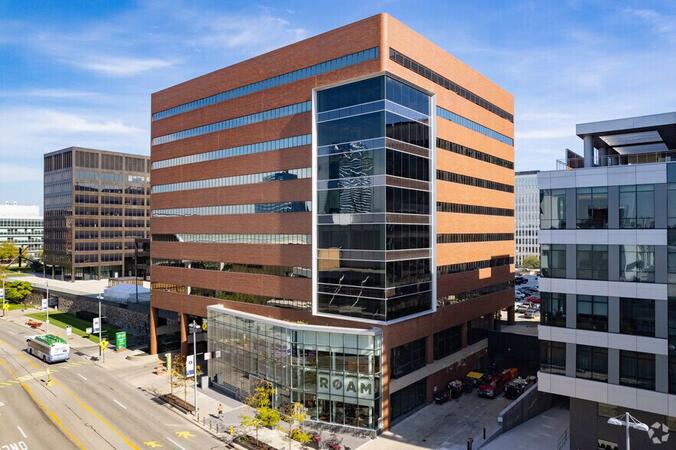
Detroit, MI - Renaissance Center
400 Renaissance Center, Detroit, United States, 48243
The GM Renaissance Center is conveniently located in downtown Detroit and easily accessed by car via Interstates 75 or 94, with secure underground parking available on site. Travelers flying into Detroit Metropolitan Airport (DTW) can expect a 25–30 minute trip by taxi or rideshare via I‑94. Public transit is efficient: the Detroit People Mover stops directly at the Renaissance Center station, and DDOT routes 3 and 9 serve nearby Jefferson Avenue. Pedestrian skywalks provide safe indoor access from downtown hotels, parking garages, and the riverwalk.
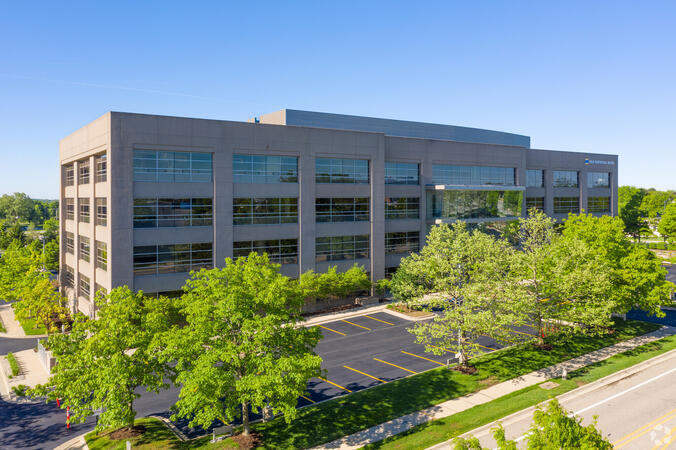
Ann Arbor, MI – Regus - South State Commons I
2723 S State St, Ann Arbor, United States, 48104
Regus South State Commons I is conveniently located off I‑94 via Exit 177 (State Street), with easy access to downtown Ann Arbor and surrounding suburbs. The building offers free on-site surface parking for guests. From Detroit Metropolitan Airport (DTW), the venue can be reached in approximately 20–25 minutes by taxi or rideshare via I‑94 West. Local public transit service (TheRide) operates Route 24 along South State Street, with a stop within a short 2-minute walk of the building.
Grand Rapids, MI - Regus – Calder Plaza
250 Monroe Ave NW, Grand Rapids, United States, 49503
The venue sits centrally at 250 Monroe Avenue NW in downtown Grand Rapids, easily accessed by car via US‑131 or I‑196—with connections via Monroe or Ottawa exits—and offers shared underground and surface parking. From Gerald R. Ford International Airport, take I‑96 East then I‑196 West into the city; the drive is about 20 minutes. Public transit through Rapid bus routes stops near Monroe or Ottawa Avenue, just a short walk from the Regus entrance; the downtown area is pedestrian-friendly.
Lansing, MI - Regus - One Michigan Avenue
120 North Washington Square, Lansing, United States, 48933
The venue is located in the heart of Lansing’s central business district at 120 North Washington Square, easily accessible by car via I‑496 or US‑127 with convenient street parking and a nearby parking ramp. From Capital Region International Airport (LAN), the location is approximately a 12‑minute drive west via I‑96 and US‑127, with taxis and rideshares readily available. Public transit users can take CATA bus routes that stop just a block away on Washington or Grand Avenue, offering seamless access to the venue.
This instructor-led, live training in [location] (online or onsite) is designed for intermediate-level web developers and UX designers who wish to leverage LangChain to create intuitive and user-friendly web applications for government use.
By the end of this training, participants will be able to:
- Understand the fundamental concepts of LangChain and its role in enhancing web user experience.
- Implement LangChain in web applications to create dynamic and responsive interfaces.
- Integrate APIs into web applications to improve interactivity and user engagement.
- Optimize user experience using LangChain’s advanced customization features.
- Analyze user behavior data to fine-tune web application performance and experience.
This instructor-led, live training (available online or on-site) is designed for intermediate-level UX/UI designers and front-end developers who seek to leverage Multimodal AI to create and implement user interfaces that can interpret and process diverse forms of input.
By the end of this training, participants will be able to:
Design multimodal interfaces that enhance user engagement.
Integrate voice and visual recognition into web and mobile applications for government.
Utilize multimodal data to develop adaptive and responsive UIs.
Understand the ethical considerations of user data collection and processing in public sector contexts.
This instructor-led, live training in [location] (online or onsite) is designed for government professionals at the beginner to intermediate level who wish to apply Human-Centered Design methodologies in product development, service design, and business innovation.
By the end of this training, participants will be able to:
- Understand and implement Human-Centered Design principles.
- Conduct user research to identify challenges and opportunities.
- Create user personas and journey maps.
- Ideate, prototype, and test solutions through iterative processes.
- Apply design thinking frameworks in real-world projects for government.
This comprehensive training course is designed for government participants to master the use of Customer Journey Mapping to decipher customer behavior, mindset, and motivations. Through interactive workshops, attendees will learn to visualize emotional interactions with agencies or services and apply these maps to enhance and optimize the end-to-end customer experience for government.
This practical training course is designed to equip participants with the skills necessary to integrate UX metrics into their work, ensuring that design decisions enhance the value of government products. Through structured frameworks, live benchmarking exercises, and real-world case studies, participants will develop a measurement-driven approach to product optimization that effectively bridges user experience and business outcomes for government applications.
A comprehensive training course designed for government participants to develop effective strategies for creating user-friendly digital products. This course will equip attendees with the skills necessary to ensure that users have a positive and enjoyable experience when interacting with these digital tools.
This course provides an in-depth understanding of human perception and its application in delivering insightful data visualizations for government. Participants will become acquainted with key design theories, including Gestalt Laws, pre-attentive attributes, and principles of inclusivity. The curriculum also covers the distinctions between exploratory and explanatory analysis, ensuring a comprehensive grasp of both approaches. Additionally, students will explore various chart types and learn to select the most appropriate visualization for their data. By the end of the course, participants will be equipped to implement these design principles in visualizations created using Tableau software for government use.
This course offers a comprehensive introduction to the newly enacted Accessibility Law, tailored specifically for government professionals. It equips developers with the essential skills needed to design, develop, and maintain fully accessible applications. The curriculum begins with an overview of the law's significance and implications, followed by hands-on coding practices, tools, and testing methods to ensure compliance and inclusivity for users with disabilities in government settings.
This instructor-led, live training in Michigan (online or onsite) is aimed at individuals who wish to use Figma to design the user interface for a new or existing software application or website for government.
By the end of this training, participants will be able to:
Create modern UI designs in Figma that align with public sector workflows.
Develop a functional, clickable application prototype.
Implement design best practices that enhance governance and accountability.
Accelerate the completion speed of design projects while maintaining high standards for government.
Collaborate effectively with other designers and developers using Figma to ensure seamless integration within government teams.
The User Experience Designer training for government provides an overview of UX/UI principles, utilizing tools such as Figma and Axure. The curriculum also delves into research methodologies, reporting techniques, navigation design, dashboard creation, and the full project lifecycle. Participants will acquire practical skills in user interface design that align with public sector workflows and governance requirements.
The objective of this course is to guide participants through essential user experience (UX) tools and processes, including user research, personas, user stories, information architecture, visual design principles, prototyping, and various testing methods. This course will equip learners with the necessary knowledge and skills to successfully pass the exam and obtain the BCS certificate in nine syllabus areas, ensuring they are well-prepared for government-related UX challenges.
A course designed for professionals who create websites, applications, online advertisements, and other materials that require a deep understanding of user interaction. This course will instruct participants on conducting research to gain insights into user needs, developing innovative solutions that address both user and business requirements, and implementing these solutions in real-world settings. The curriculum is tailored to enhance skills essential for government and public sector workflows, ensuring alignment with governance and accountability standards.
A practical training course designed for government participants to understand the principles of user-centered design (UCD) and explore its key components.
Read more...
Last Updated:
Testimonials (4)
Experimenting with tools
Nuwan Gunaratne - AZQORE
Course - User Experience Design with Figma
Our trainer, Yashank, was incredibly knowledgeable. He modified the curriculum to match what we truly needed to learn, and we had a great learning experience with him. His understanding of the domain he was teaching was impressive; he shared insights from real experience and helped us solve actual problems we were facing in our work.
Ahmed Nazeem - Maldives Pension Administration Office
Course - Multimodal AI for Enhanced User Experience
“I really appreciated the real-time approach the trainer used to show how our team can apply Human-Centered Design (HCD) to our project. It was also great that the trainer took the time to understand our project at a high level, which helped provide clear and practical guidance on how we can better approach both UX and UI.
Nichole Bryant Joven - Grundfos
Course - Human-Centered Design (HCD)
Lecture tried his best ensuring that even the most technical part of the training is well understood by put up a number of examples using the real life examples. I also loved the graphics part. i will be able to apply it in most of my presentation.
Online User Experience (UX) Design training in Michigan, User Experience (UX) Design training courses in Michigan, Weekend User Experience (UX) Design courses in Michigan, Evening User Experience (UX) Design training in Michigan, User Experience Design instructor-led in Michigan, User Experience Design classes in Michigan, User Experience Design coaching in Michigan, User Experience (UX) Design trainer in Michigan, User Experience Design instructor-led in Michigan, Evening UX Design courses in Michigan, User Experience Design on-site in Michigan, Online User Experience Design training in Michigan, User Experience (UX) Design private courses in Michigan, Weekend User Experience Design training in Michigan, User Experience (UX) Design boot camp in Michigan, UX Design instructor in Michigan, User Experience (UX) Design one on one training in Michigan