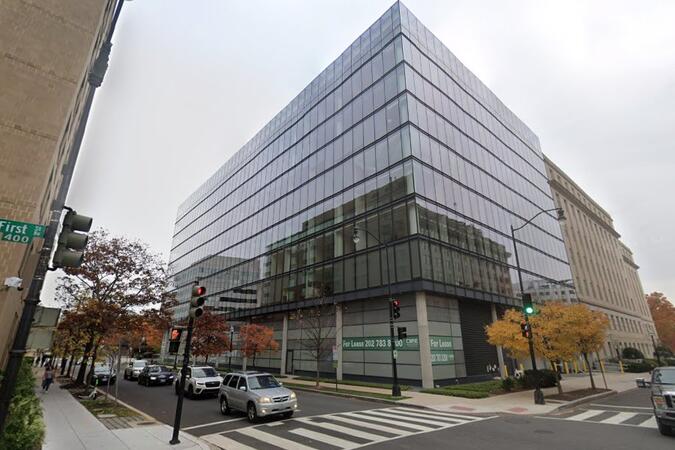
20 F St NW, Washington, United States, 20001
Washington, DC - NW Conference Center
Washington, DC - Paramount Building
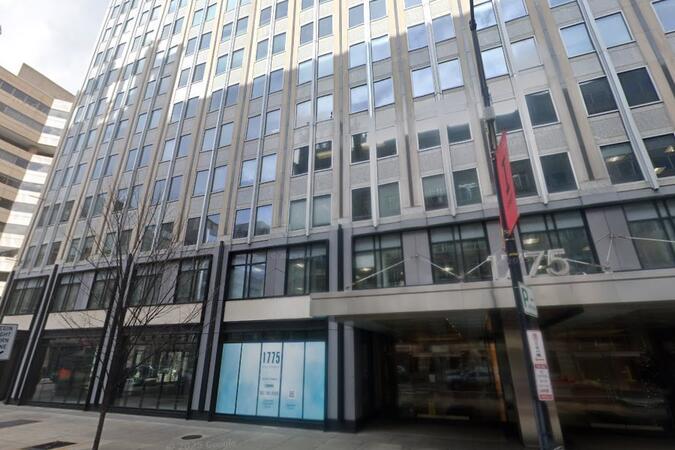
1775 I St NW, Washington, United States, 20006
Washington, DC - Capitol Hill
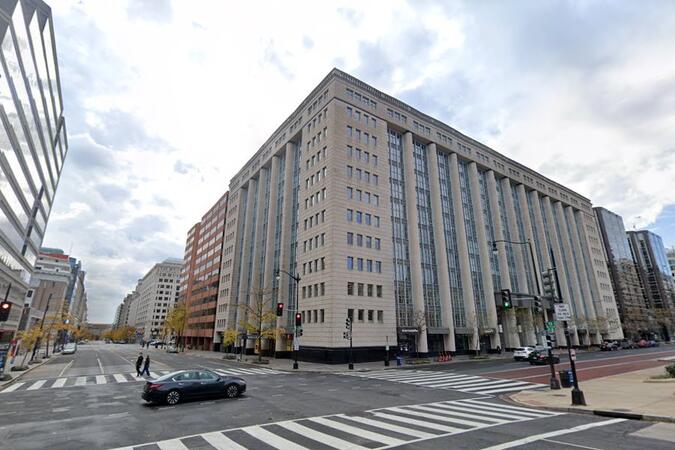
300 New Jersey Avenue NW, Washington, United States, 20001
Washington, DC - Regus One Franklin Square
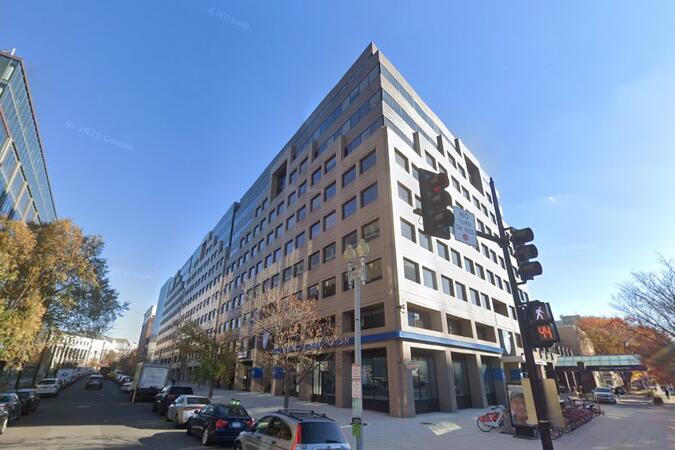
1300 I Street NW, Suite 400E, Washington, United States, 20005
Explore Our Courses
Power BI: Basics to Advanced
35 HoursPower BI DAX Fundamentals
21 HoursExcel to Power BI
7 HoursAdvanced Power BI
21 HoursAnalyzing Data with Power BI
28 HoursPower BI - Advanced
14 HoursPower BI Dashboards
14 HoursPower BI online
14 HoursPOWER BI (1 day)
7 HoursPower Apps
21 HoursMicrosoft Power Automate
14 HoursPower BI
14 HoursPower BI for Business Analysts
21 HoursPower BI Basic
14 HoursLast Updated:
Testimonials (6)
The most valuable takeaway was learning how to apply the concepts in real-world scenarios and understanding the tools and processes.
Marcel Tansae - DB Technology
Course - Microsoft Power Automate
How to use relationships in Power BIand the differences between columns and measurements
LEUNG Chun Hei - HAESL
Course - Advanced Power BI: Data Modeling, DAX, and Enhanced Analytics
That it takes time and practice to get accustomed to the new information. Now I also have a better idea on what to request, as I have understood the logics behind the end product.
Cosmin-Alexandru Zerfas - DARWIN TECHNOLOGIES
Course - Power BI Basic
The basic structure of Power BI, its main functions, as well as some advanced functions
Alessandro Binaghi - Great Place to Work(R) Institute Italia Srl
Course - PL-300: Microsoft Power BI Data Analyst
engagement with the attendees
Magdeline Matsie Mokonyane-Motha - Tshwane University of Technology
Course - PL-300T00: Microsoft Power BI Data Analyst
I like the DAX.