Get in Touch

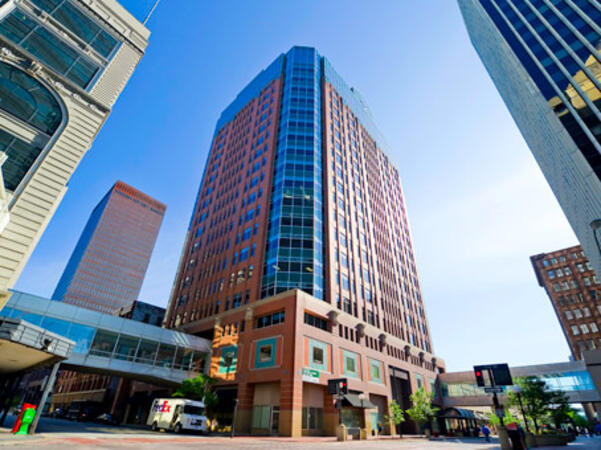
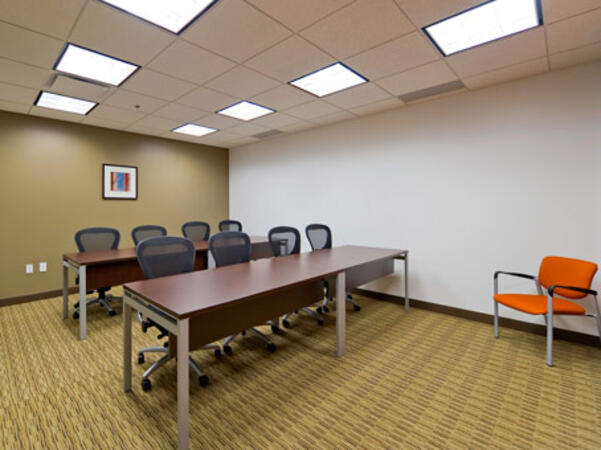
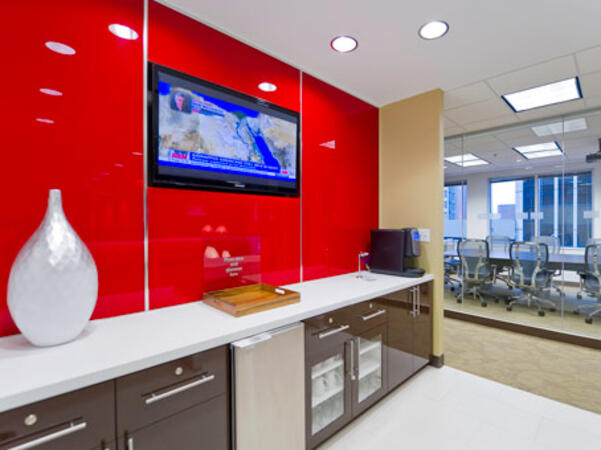
Des Moines, IA - Hub Tower

699 Walnut Street, Des Moines, United States, 50309

The Hub Tower location is easily accessible by car via Interstates 35 and 80, with underground and nearby public parking available; simply head downtown to Walnut Street. Guests arriving from Des Moines International Airport (DSM) can expect a 10‑ to 15‑minute taxi or rideshare journey via I‑235 and I‑35 into downtown. For public transportation users, DART buses stop close to the building, and it also connects via the downtown skywalk to neighboring business and cultural venues.

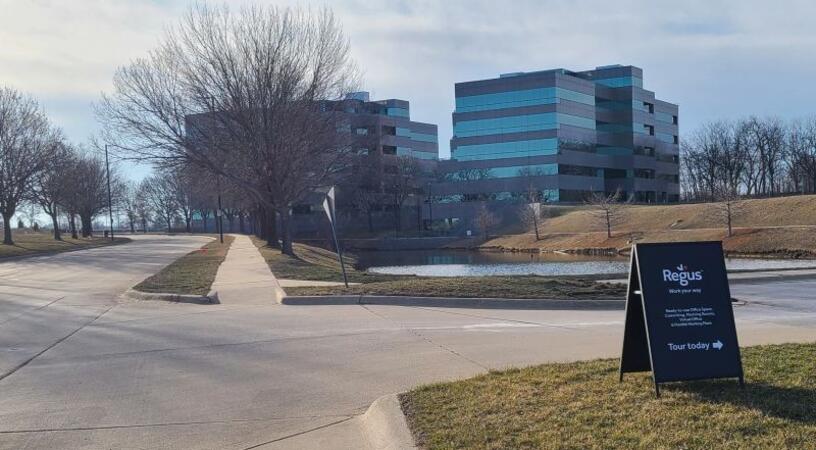
IA, Johnston - Regus - Foxboro Square

6165 Northwest 86th Street, Johnston, United States, 50131

Regus Foxboro Square enjoys a highly accessible suburban location—and is easily reached by car via Interstates 80/35. Ample free parking is available in the surface lots surrounding the building. For those arriving from Des Moines International Airport (DSM), the venue is approximately 16.6 km (about a 15–20 minute drive) via I‑35 north. Public transit users can take Johnston-area bus services to nearby stops; the facility is also adjacent to Dover Park’s walking and biking trails, providing a healthy commute option.

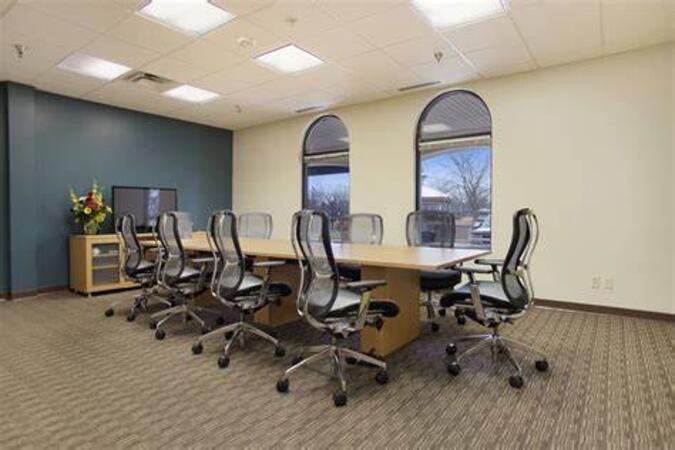
Cedar Rapids, IA - Regus – Edgewood Pointe

4515 N River Blvd NE #200, Cedar Rapids, United States, 52411

Regus Cedar Rapids is easily accessible by car via I‑380 or I‑80 toward northeast Cedar Rapids, exiting at Edgewood Road and traveling south on River Boulevard. Complimentary on-site surface parking ensures convenience for event attendees. For travelers arriving at Des Moines International Airport (DSM), the venue is approximately a 90‑minute drive via I‑80 and I‑380. Local participants can reach the centre using Cedar Rapids Transit Route 10, with stops near River Boulevard and Edgewood Pointe.

Subcategories (4)

Explore Our Courses

Excel: Basic, Intermediate, Advanced

10 Hours

Microsoft Office Essentials: Word, Excel, and PowerPoint

21 Hours

Excel for Inventory, Budgeting, and Data Analysis

14 Hours

Fundamentals of Microsoft Office

7 Hours

Microsoft Excel (Basic, Intermediate, and Advanced)

28 Hours

Excel and Google Sheets

14 Hours

Microsoft Office Advanced

7 Hours

Excel Modelling

7 Hours

Working Efficiently with Microsoft Word

14 Hours

Excel Advanced

14 Hours

PowerPoint 2019 - Part 2

7 Hours

Microsoft Office Excel - intermediate level

14 Hours

Visual Basic for Applications (VBA) in Excel - Advanced

14 Hours

Visual Basic for Applications (VBA) in Excel - Introduction to programming

21 Hours

Excel For Statistical Data Analysis

14 Hours

Excel to Power BI

7 Hours

Data and Analytics - from the ground up

42 Hours

VBA For Access & Excel

21 Hours

Excel Basics

14 Hours

Financial Analysis in Excel

14 Hours

Excel in One Day

7 Hours

Analysing Financial Data in Excel

14 Hours

Excel - Intermediate

7 Hours

Word and Excel Basics

14 Hours

Excel 2016 - Level 1

7 Hours

Excel - Basic

7 Hours

Python for Excel

14 Hours

Excel - Advanced

7 Hours

55154-B: Office 365 for the End-User

7 Hours

Microsoft Project 2019/2021: Part 1

7 Hours

Working with spreadsheet in Microsoft Excel

14 Hours

Excel Advanced with VBA

21 Hours

Visual Basic for Applications (VBA) in Excel (intermediate level)

14 Hours

Microsoft Office Excel - working effectively with the spreadsheet

14 Hours

Visual Basic for Applications (VBA) for Analysts

21 Hours

Advanced Excel for Sales Professionals: Data Analysis, Reporting, and Automation

35 Hours

Advanced MS PowerPoint

7 Hours

Advanced Slide Design in PowerPoint

7 Hours

Advance PowerPoint

14 Hours

Excel - Best Practices for Everyday Work

7 Hours

Excel Data Analysis

14 Hours

Excel 365- Spill Formulas and New Functions: Clearer and Faster

7 Hours

Microsoft 365 Administrator (Authorized Training Course MS-102T00)

35 Hours

MS-100T01-A: Office 365 Management

14 Hours

Microsoft 365 Endpoint Administrator (Authorized Training Course MD-102T00)

35 Hours

Microsoft Outlook 2019/2021: Part 2

7 Hours

SharePoint Owner and Administrator

7 Hours

SharePoint User

7 Hours

Adaptive OfficeConnect

7 Hours

Microsoft Outlook 2019/2021 - Part 1

7 Hours

Visual Studio Tools for Office (VSTO)

21 Hours

Last Updated:

Testimonials (10)

Upcoming Courses

Online MS Office training in Iowa, Microsoft Office training courses in Iowa, Weekend MS Office courses in Iowa, Evening Microsoft Office training in Iowa, Microsoft Office instructor-led in Iowa, Microsoft Office private courses in Iowa, Online Microsoft Office training in Iowa, MS Office on-site in Iowa, Microsoft Office instructor in Iowa, Microsoft Office boot camp in Iowa, MS Office coaching in Iowa, MS Office trainer in Iowa, MS Office classes in Iowa, MS Office instructor-led in Iowa, Microsoft Office one on one training in Iowa, Weekend Microsoft Office training in Iowa, Evening MS Office courses in Iowa